Every Document, One Place
All records — agreements, KYC, payment proofs, approvals — live in your real estate CRM, so nothing gets lost across emails, drives, or physical files.
Centralize operations, documents, records, and workflows in one place for smoother coordination and complete visibility.
Centralized documents, automated approvals, and real-time reconciliation — so your team spends less time chasing paperwork and more time closing deals.
All records — agreements, KYC, payment proofs, approvals — live in your real estate CRM, so nothing gets lost across emails, drives, or physical files.
Automated workflows route tasks and approvals to the right person instantly, cutting the delays caused by manual sign-offs and follow-ups.
Real-time reconciliation between bookings, payments, and accounts means finance teams spend less time chasing discrepancies and more time on analysis.
Documents, workflows, approvals, and reconciliation — all in one place, so nothing slips between departments.

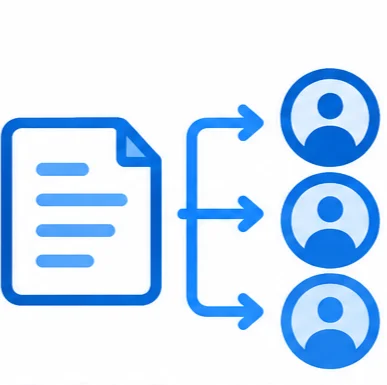
Stores all booking, payment, legal, and compliance documents in one searchable system.

Routes tasks automatically between sales, finance, and legal based on booking or payment triggers.

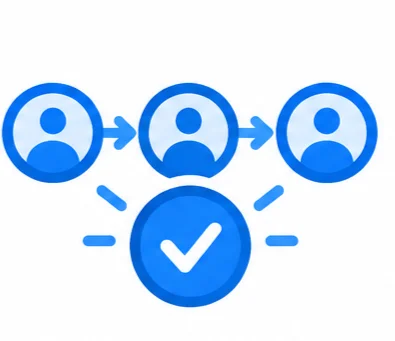
Sends approvals to the right person in sequence, with visibility into where each request stands.

Matches bookings, payments, and commission data automatically to flag mismatches.
A step-by-step look at how documents get filed, tasks get routed, approvals get tracked, and finances get reconciled — automatically, at every stage.




See how SellXpert CRM can streamline your real estate business and accelerate your growth — live, one-on-one with an expert.
All records are stored in a centralized, searchable repository tied directly to the relevant booking or client, instead of being scattered across emails and personal drives.
Approval chains route requests automatically to the right person in sequence, with visibility into where each request is stuck, removing the need for manual follow-up.
Yes. Sales, finance, and legal all work off the same centralized records and workflows, keeping everyone aligned instead of working in silos.
Bookings, payments, and commission data are automatically cross-checked, flagging mismatches early instead of surfacing them during a manual month-end review.
Yes. Since all documents and approvals are stored and timestamped in one system, retrieving records for an audit is far faster and more reliable than searching through physical or scattered digital files.
Yes. Workflow automation and approval chains can be configured to match your organization's specific departments, sign-off order, and process steps.
Yes. Since tasks are routed automatically based on triggers like bookings or payments, teams no longer need to manually notify each other or track handoffs over email.
Yes. Back office management pulls directly from booking, payment, and commission data, giving you one connected, reconciled view across the entire business.